
MetallicBrains for Android TV
The same 24/7 stream as the website, made for the big screen: large type you can read from the couch, every station and label, and simple remote controls.
Download for Android TVVersion 1.4 · 261 KB · Android 5.0+ · Oct 20, 2026
On the TV, just type this short address: metallicbrains.com/tv.apk
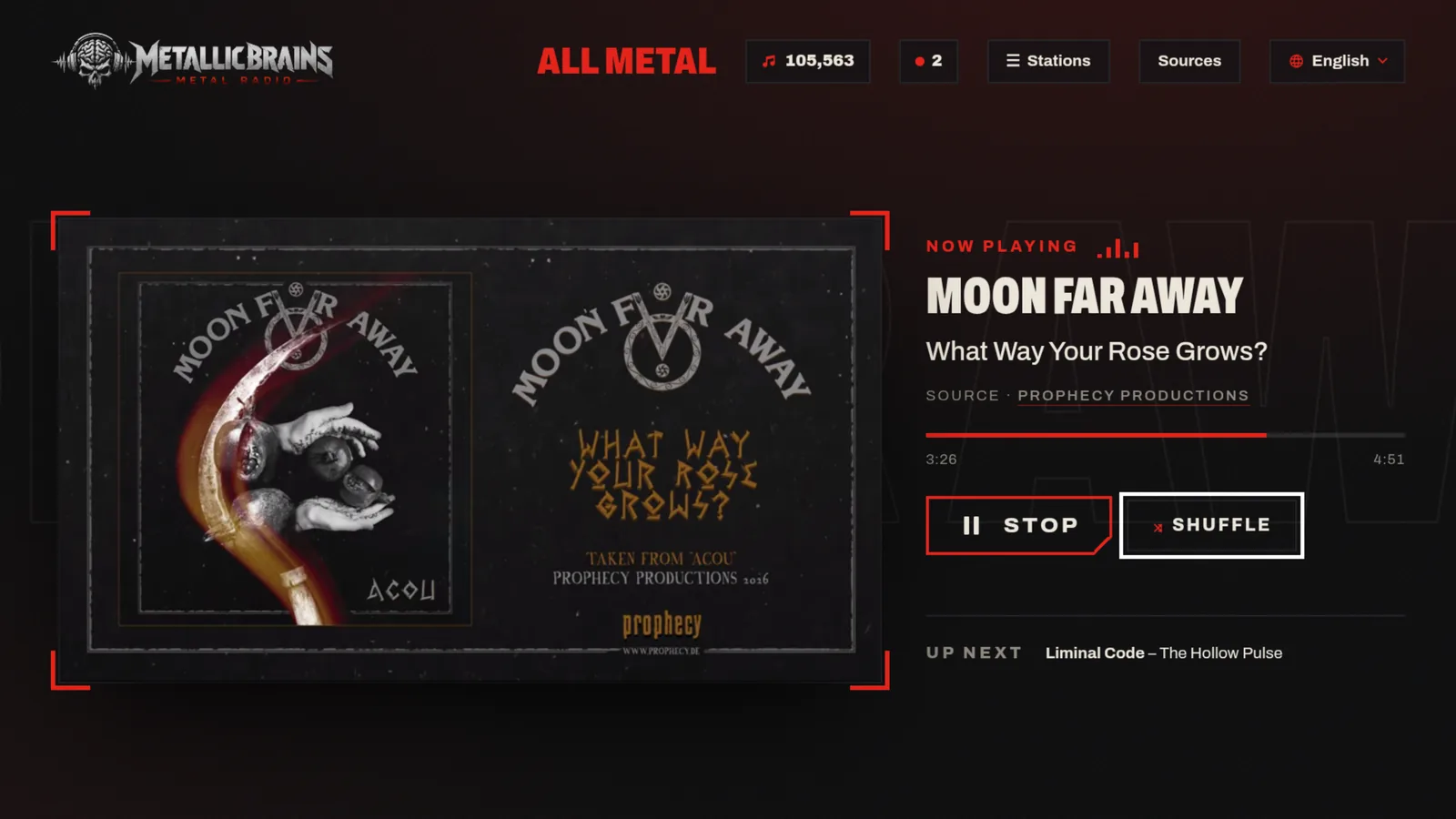
What you get
- Starts playing as soon as it opens, in sync with every other listener.
- All genre stations, New Releases Radio and label radios, one press away.
- A big, clear layout for 1080p and 4K screens; the screen stays on while it plays.
- Available in 96 languages.
- Free, no account, no sign-up.
How to install
- On your Android TV or Google TV, install the free Downloader app (by AFTVnews) from Google Play.
- Open Downloader, type
metallicbrains.com/tv.apkand press OK. - When asked, allow Downloader to install unknown apps, then choose Install.
- Open MetallicBrains from your apps row. Tip: hold OK on it to move it to the front.
Prefer a USB stick? Download the file on your computer, copy it to the stick and open it on the TV with a file manager.
Remote control
- ◀ ▶ move between Listen, Shuffle, Skip, Stations, Sources and Language
- ▼ open the station list · ◀ or Back closes it
- OK select · ⏯ play / pause
- ⏮ ⏭ or Channel + / − previous / next station · 1–9 jump to a station
Good to know
- Works on Android TV, Google TV and other Android-based TV boxes. An internet connection is required.
- Music plays through YouTube’s official player, so YouTube may show ads; the app cannot remove them.
- The app is not on Google Play yet, which is why it is installed by hand. It opens only metallicbrains.com and asks for no permission other than internet access.
- To remove it: Settings → Apps → MetallicBrains → Uninstall.
SHA-256 of the file: 132302a2fc55ab5353768649357e4a13452f6099132f44aa6c0284f4c18c86ee